 Ingredient Manager for iPhone
Pantry
食尽
Know what you have.
Cook with confidence.
Track ingredients, discover recipes you can make now, and turn missing items into a shopping list.
From Pantry to Plate
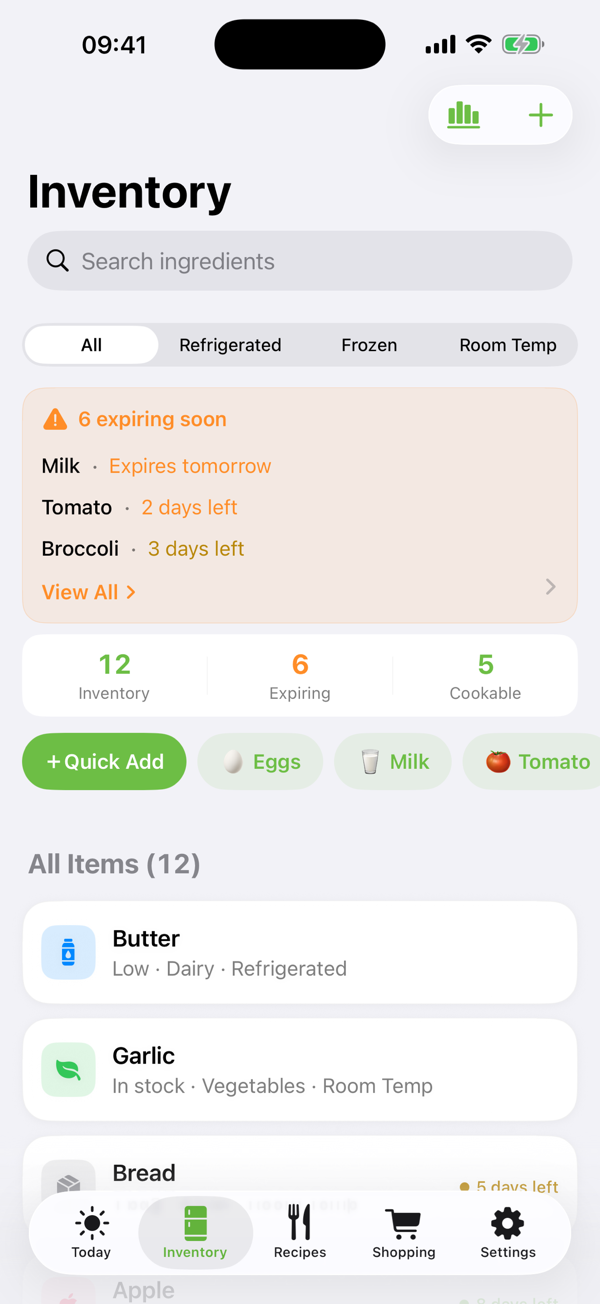
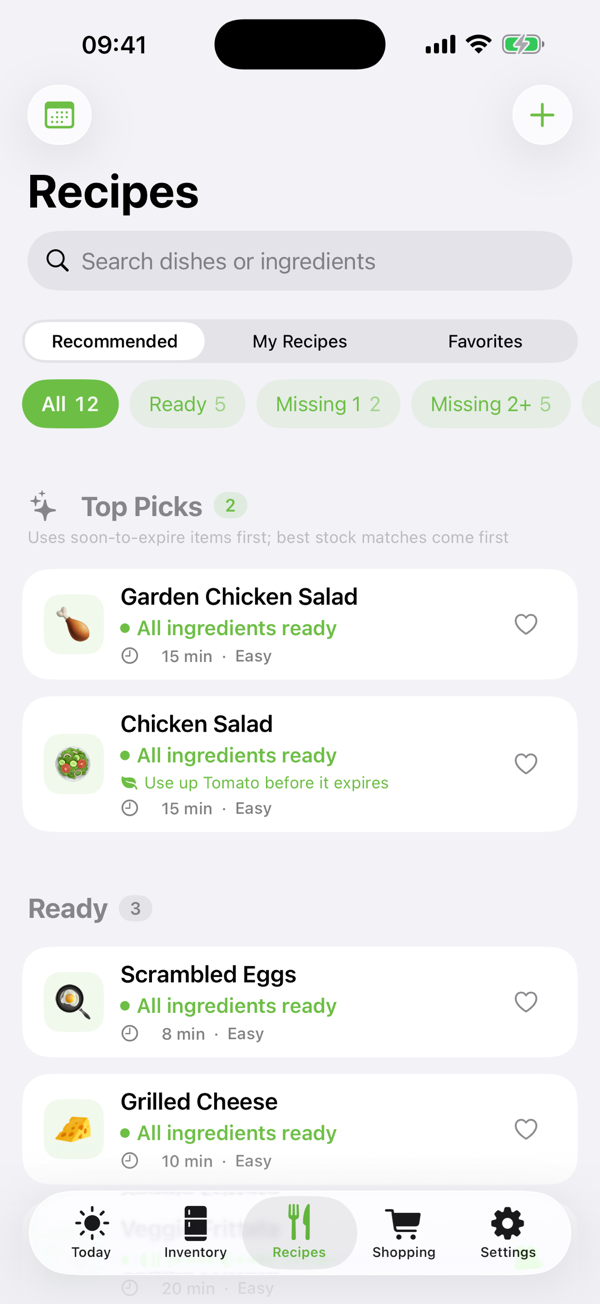
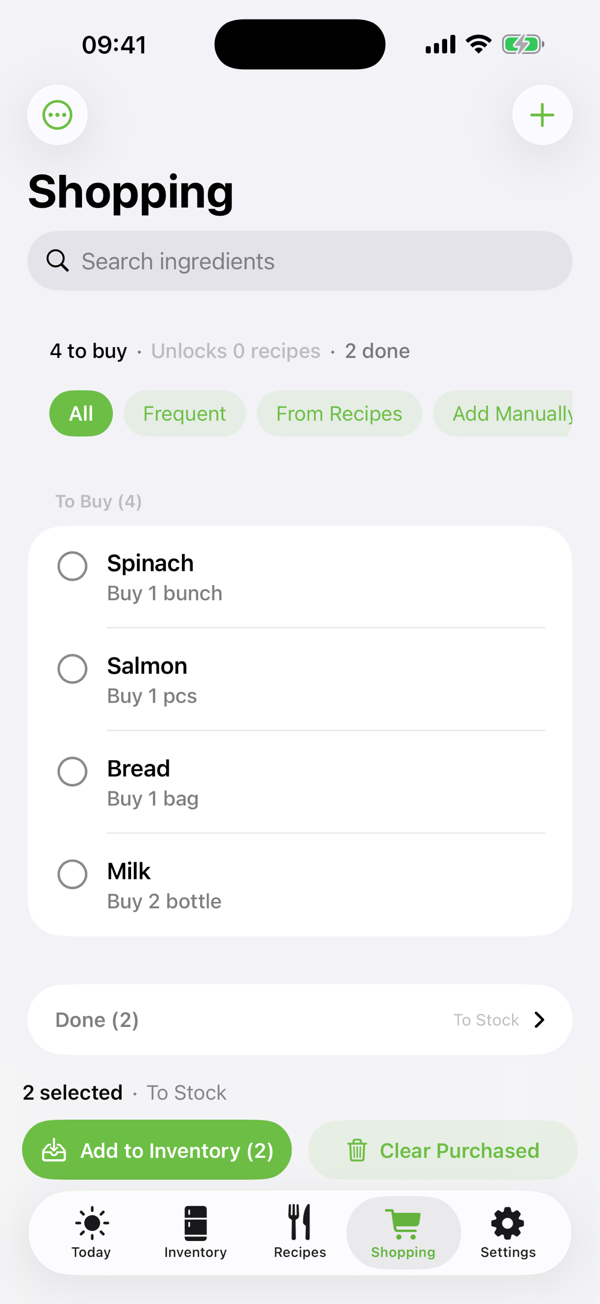
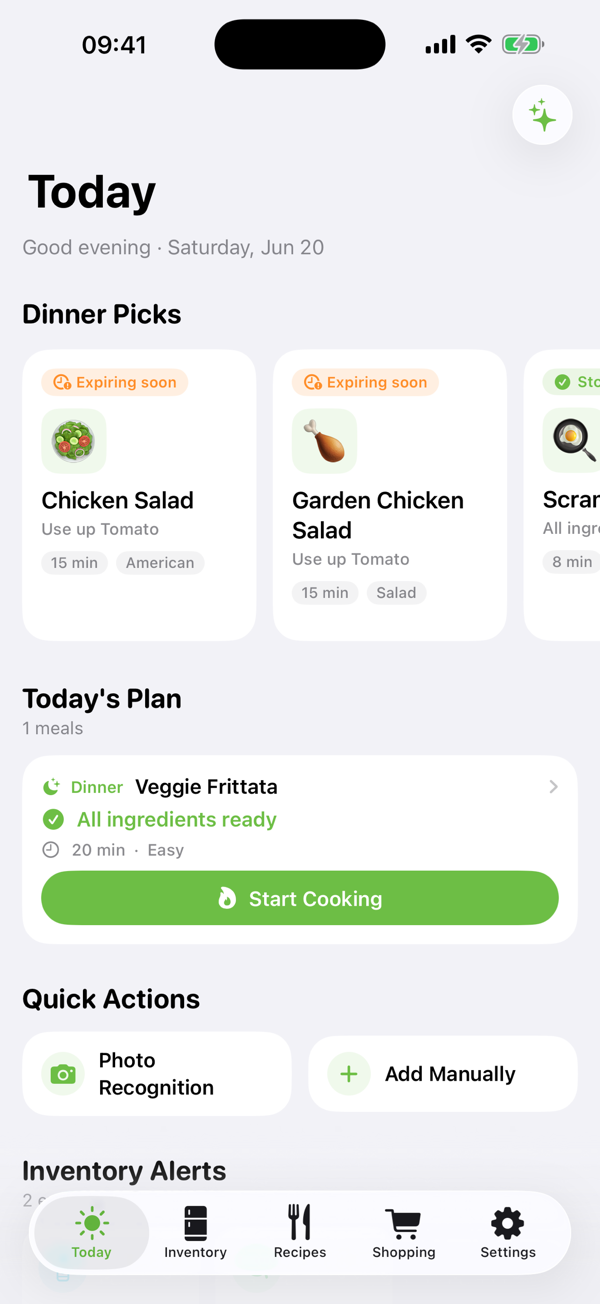
Inventory, recipes, shopping, and what to cook tonight — one simple loop.
- On-device first
- iCloud sync
- No account
- No data collection
Everything Your Kitchen Needs
From what's in your fridge to what's for dinner.
Inventory Management
Track your ingredient inventory and where everything is stored.
Recipe Discovery
Discover recipes you can make from what you already have.
Smart Shopping Lists
Add missing ingredients to your shopping list in a tap.
AI Cooking Assistant
Make the most of what you have — waste less and find new ideas for dinner.
Privacy Comes First
- No Pantry account required.
- Your data is stored on your device by default.
- Optionally synced through Apple CloudKit.
- Pantry does not operate a central user database.
- Your API keys are never uploaded to the developer's servers.
Common Questions
Does Pantry require an account?
No. Pantry works without creating a Pantry account.
Do I need AI to use Pantry?
No. Core features — inventory, shopping lists, and expiry reminders — work entirely without AI.
Which AI services are supported?
OpenAI, Anthropic, Google, Qwen, Kimi, and MiniMax — plus any service compatible with the OpenAI API.
Can I use my own AI provider?
Yes. Pantry supports user-configured AI providers, using your own API key.
Where is my data stored?
Data is stored locally and optionally synced through Apple CloudKit.
How do I restore my data?
Sign in with the same Apple ID — your data syncs back automatically through CloudKit.
Does Pantry see my API keys?
No. API keys are stored on your device and/or your personal iCloud account.